Friday, 29 January 2016

Post Production and Visual Effects - Semester 3 - Assignment 3

Green Screen


Step 01:
Key out green screen and mask the girl's surrounding, only revealing the girl

Step 02:
Add background

Step 03:
Colour grading

Step 04:
Duplicated the girl and made it into a 3D layer
Align it to the ground, and tracked the girl
Decrease brightness and made it blur to make it the girl's shadow

Step 05:
Added vignette

Step 06:
Added yellow light

Step 07:
Added Smoke

Step 08:
Duplicated the composition on top of the original one
Change blending mode to overlay
decrease opacity

Post Production and Visual Effects - Semester 3 - Assignment 1

Channel ID


First Scene:

Blending mode of the text is changed to screen
Scale the text from 0% to 100%, and then use the graph to make the text bounce.

Second Scene:

Above the original video is a mask of the video made into the shape of an arrow.
The change to black effect is used to make it black and white
and then the tint is used to animate the colour change

Third Scene:

Keyframes are same with the first scene for the circles.
Additional Wiggle effect is added to the circles to make them floaty. 

Post Production and Visual Effects - Semester 3 - Assignment 2

Animated Text


Overview of the T keyframes.

Graph of how I did the pendulum swinging


Wednesday, 26 August 2015

Basic Computer - Assignment 6 - Collage

Process

Crop and paste different images and reduce saturation, adjust contrast and brightness to fit


Paste Background


The cat head is used as clipping mask


Clipping Mask is made


Finished product

Basic Computer - Assignment 5 - Photo Touch up

After touch up (Left) Before touch up (Right)

Basic Computer - Assignment 3 - Mesh Tool

After Mesh Tool


Reference

Basic Computer - Assignment 3 - Magazine cover

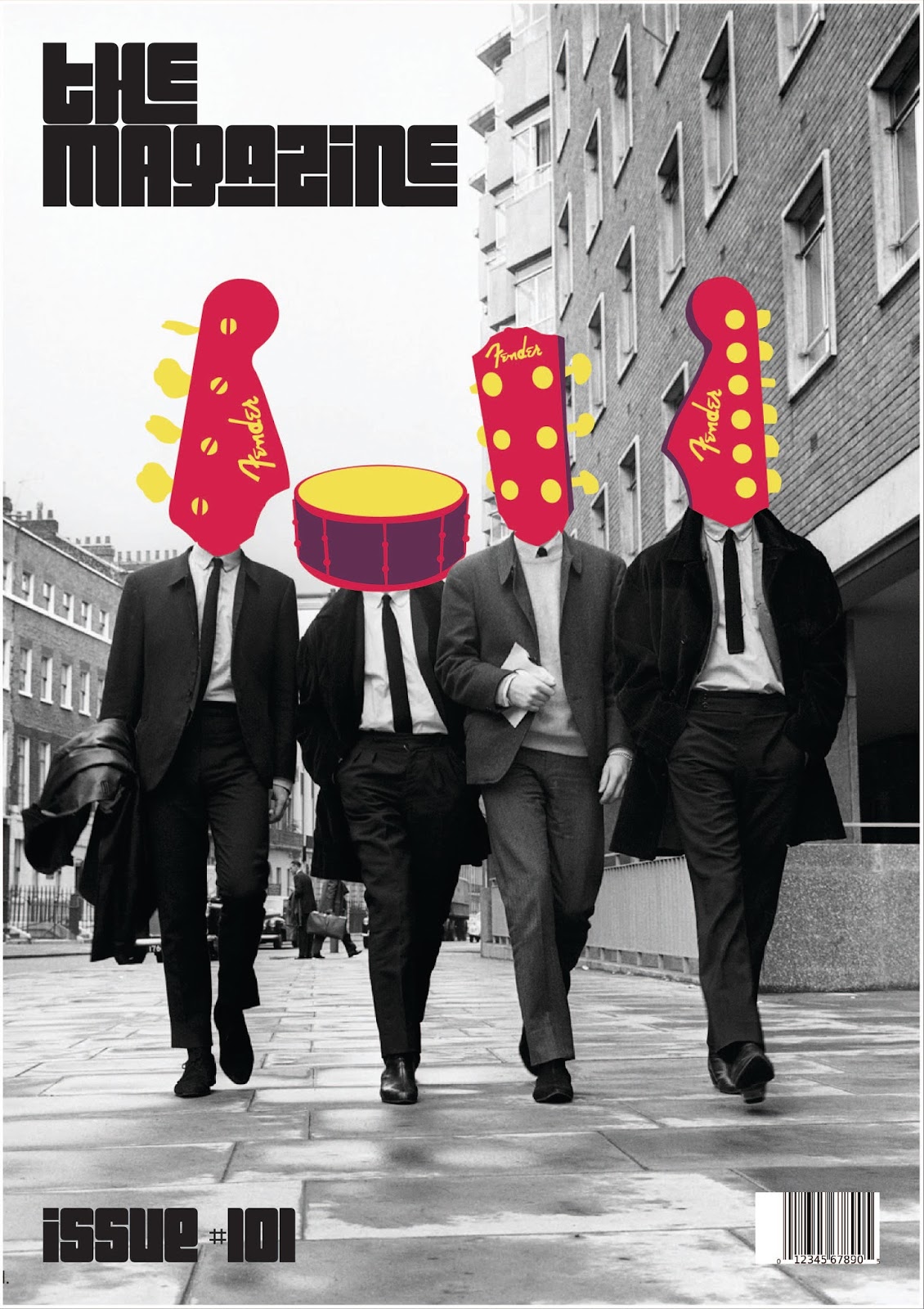
Designer Magazine Cover

Put font and background

Draw the instruments to replace their heads with

Repalce their heads with instruments using clipping mask

Lineart


Commercial Magazine Cover

This background is selected

Type out the font and using clipping mask to make it go behind the subject

Add additional text around the subject

Add borders